Best YouTube Script Writing Guide | Timing Secrets for More Views
Transparency Note: This comprehensive guide on YouTube script writing contains affiliate links. If you choose to hire a professional writer through our recommended links, we may earn a commission at no extra cost to you.
Creating a successful YouTube channel isn’t just about having the best camera or the most expensive lighting setup. While production quality matters, the real secret to viral growth lies in one often-overlooked skill: YouTube script writing. Without a solid script, even the most beautifully edited video will fail to retain viewers.
Most beginners make the fatal mistake of “winging it” or hitting the record button without a plan. This leads to rambling, poor pacing, and ultimately, low watch time. Mastering the art of YouTube script writing is the fastest way to signal to the algorithm that your content is worth promoting.
But there is another challenge: Timing. How do you know if your script is 5 minutes long or 15 minutes long before you even speak a word? This is where a script to time calculator becomes an essential tool for every serious creator.

Table of Contents
- 1. Why YouTube Script Writing Determines Your Success
- 2. The 4-Part Structure of a Perfect YouTube Script
- 3. The Importance of Video Timing & Pacing
- 4. How to Use the Script to Time Calculator (Free Tool)
- 5. Smart Creator Hack: Outsourcing Your Script Writing
- 6. Top Rated Script Writers on Fiverr (In-Depth Review)
- 7. Advanced SEO Tips for Your Scripts
- 8. Frequently Asked Questions (FAQ)
Why YouTube Script Writing Determines Your Success
In the competitive world of content creation, YouTube script writing is the foundation of audience retention. YouTube’s algorithm prioritizes one metric above all else: Average View Duration (AVD). If people click on your video but leave after 30 seconds, YouTube assumes your content is irrelevant.
A well-crafted script ensures that every sentence serves a purpose. Effective YouTube script writing eliminates “fluff” words, keeps the energy high, and guides the viewer through a logical journey. Whether you are doing tech reviews, storytelling, or tutorials, writing down your thoughts beforehand allows you to include “Pattern Interrupts”—visual or auditory changes that keep the brain engaged.
The 4-Part Structure of a Perfect YouTube Script
To master YouTube script writing, you don’t need to be a Hollywood screenwriter. You simply need to follow a proven format that hooks viewers immediately. Here is the industry-standard structure:
1. The Hook (The First 30 Seconds)
This is the most critical part of YouTube script writing. You must validate the viewer’s click immediately. Don’t start with a long animated intro. Start with a promise. For example: “In this video, I’m going to show you how to double your views using a simple tool.”
2. The Setup & Intro
Once you’ve hooked them, briefly introduce who you are (keep it under 10 seconds). This builds authority without boring the audience.
3. The Meat (The Content)
This is where you deliver on your promise. Good YouTube script writing breaks this section into bullet points or steps. Humans love lists. It makes information easier to digest.
4. The Payoff & CTA
End with a strong conclusion and a Call to Action (CTA). Don’t just say “Subscribe.” Give them a reason: “If you want to master YouTube script writing, hit subscribe for more tutorials like this.”
The Importance of Video Timing & Pacing
One of the hardest parts of YouTube script writing is estimating the length of the final video. You might write 2,000 words thinking it will be a 10-minute video, only to find out it drags on for 20 minutes.
Why does timing matter?
- YouTube Shorts: You have a hard limit of 60 seconds. One second over, and it’s not a Short.
- Mid-Roll Ads: To maximize revenue, videos generally need to be over 8 minutes.
- Audience Respect: If a tutorial can be explained in 5 minutes, don’t drag it to 15.
This is why successful YouTubers stop guessing and start using a script to time calculator.
How to Use the Script to Time Calculator (Free Tool)
We have developed a specialized tool to help you master your pacing. The Script to Time Calculator takes the guesswork out of your production process.
Step-by-Step Guide:
- Draft Your Content: Finish your YouTube script writing process in Google Docs or Word.
- Copy & Paste: Take your text and paste it into our tool.
- Select Speed: Choose your speaking pace. Are you a fast talker (like a gamer) or a slow narrator?
- Analyze: The script to time calculator will instantly tell you the estimated duration.
Using this script to time calculator ensures your content fits perfectly within your desired timeframe, saving you hours of re-recording and editing.
👉 Use the Free Script to Time Calculator Now
Smart Creator Hack: Outsourcing Your Script Writing
Let’s face it: YouTube script writing is hard work. It requires creativity, research, and a deep understanding of psychology. Many top creators don’t write their own scripts; they hire experts.
If you find yourself staring at a blank page for hours (Writer’s Block), or if English isn’t your first language, hiring a professional script writer is a smart investment. It frees up your time to focus on filming and editing.
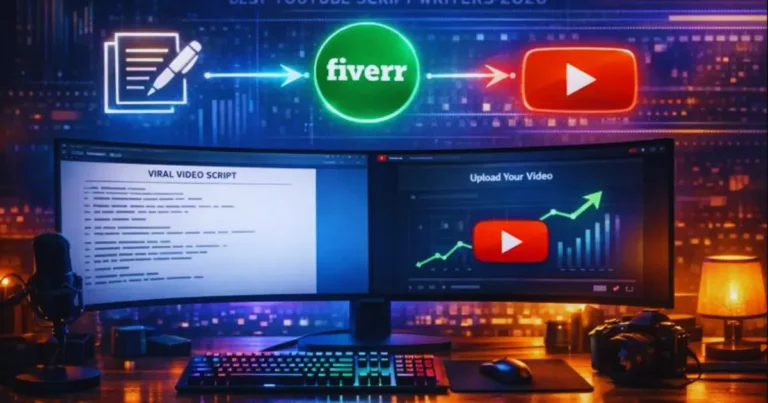
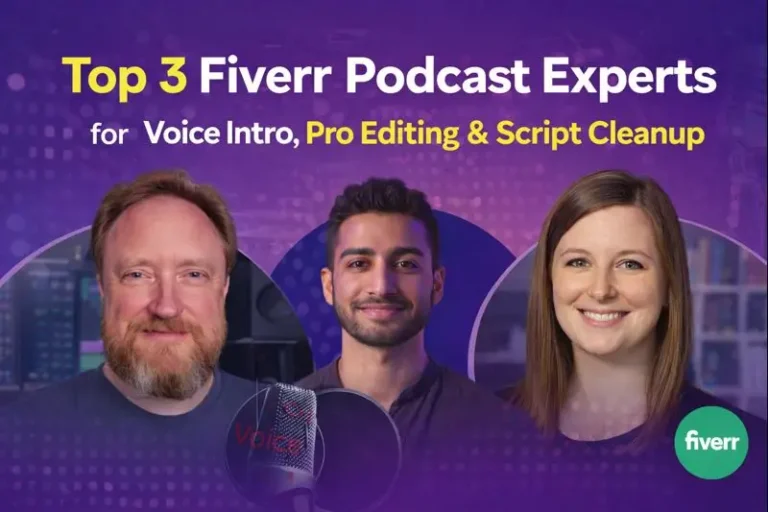
But where do you find reliable writers? We have tested the market and found two exceptional professionals on Fiverr who specialize in YouTube script writing.
Top Rated Script Writers on Fiverr (In-Depth Review)
We analyzed dozens of profiles, checked reviews, and verified delivery times to bring you these recommendations.
1. The Professional Choice: Lauren Meikle
If you need a script that screams “Professional,” Lauren is the industry leader. Her expertise in YouTube script writing is unmatched for corporate and educational content.
- Reputation: She is a “Fiverr’s Choice” seller with over 1,000+ positive reviews.
- Best For: Explainer videos, business channels, and polished brand storytelling.
- Why We Love Her: Her scripts are structured perfectly for retention, making your job as a creator much easier.
2. The Viral Content Expert: Joel
For channels focused on high-energy content, tech reviews, or top-10 lists, Joel is the specialist you need. He understands the “Click-Through Rate” psychology better than most.
- Specialty: He specializes in “Kickstarter Content” and engaging YouTube script writing that keeps viewers watching.
- Rating: A Top Rated Seller with a near-perfect 4.9 rating.
- Why Hire Him: If you want your video to feel like a big YouTuber’s production, Joel’s writing style adapts perfectly to that energetic vibe.
Advanced SEO Tips for Your Scripts
Did you know that your script also helps your video rank on Google and YouTube search? This is called “Video SEO.”
When you perform YouTube script writing, make sure to say your keywords out loud. YouTube’s auto-captioning system listens to what you say. If you say “best gaming laptop” in your script, YouTube understands that your video is about gaming laptops. Use our script to time calculator to ensure you have enough time to cover all your keywords naturally without rushing.
Conclusion: Start Writing, Start Growing
Consistency is key on YouTube, but quality YouTube script writing is what builds a loyal fanbase. Whether you choose to write your own scripts using our free Script to Time Calculator or hire a professional like Lauren or Joel from Fiverr, the most important step is to take action.
Don’t let a bad script ruin your great video ideas. Optimize your workflow, manage your time effectively, and watch your channel grow.
Frequently Asked Questions (FAQ)
How many words is a 10-minute YouTube video?
For a standard speaking pace (130-150 words per minute), a 10-minute YouTube script should be approximately 1,300 to 1,500 words. You can use a script to time calculator to get an exact measurement based on your specific speed.
What is the best free tool for YouTube script writing?
Google Docs is excellent for drafting, but for timing and pacing, the Alefzon Script to Time Calculator is the best free tool to estimate your video length before recording.
Is it worth hiring a professional script writer on Fiverr?
Yes. Professional script writers understand retention psychology, hooks, and call-to-actions better than most beginners. Investing $40-$60 in a pro script can significantly increase your ad revenue and subscriber growth.
How do I make my YouTube script funny?
Humor in YouTube script writing comes from ‘pattern interrupts’ and relatability. Don’t force jokes. Instead, use relatable struggles or unexpected edits to create humor. Professional writers often specialize in adding these comedic beats.