
Maximize your content potential with Alefzon’s Advanced Word Counter & SEO Analyzer. Instantly track Keyword Density, estimate Reading Time, and fix text length errors to rank higher on Google—100% Free & Secure.
Advanced Word Counter
Input Text
Words
0
Characters
0
0 (no spaces)
Sentences
0
Paragraphs
0
Reading Time
0s
0 minutes
Speaking Time
0s
0 minutes
Keyword Density
No keywords to display. Start typing to see keyword density analysis.
Word Frequency
| Word | Count | Percentage |
|---|---|---|
| No frequency data available. Start typing to see word frequency analysis. | ||
SEO Analysis
Readability
Good
Based on sentence length and word complexity
Keyword Usage
Optimal
Main keywords appear naturally in text
Text Length
Optimal
Good for SEO and reader engagement
Paragraph Length
Good
Paragraphs are well-structured
SEO Recommendations
- Add more content to reach optimal length for better SEO performance.
- Include your primary keywords in headings and first paragraph.
- Break up long paragraphs for better readability.
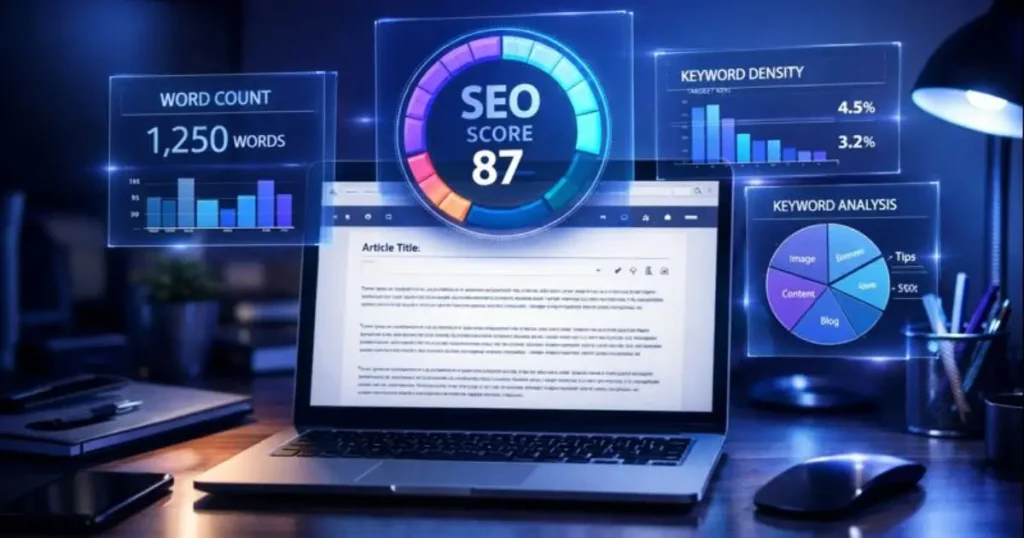
Advanced Word Counter: The Ultimate Writing & SEO Analysis Tool
Stop guessing your content length. Use Alefzon’s real-time analyzer to count words, check keyword density, and optimize your writing for Google.
Writing is an art, but optimizing content for the web is a science. Whether you are a blogger aiming for the perfect SEO length, a student sticking to a strict essay word limit, or a social media manager crafting the perfect tweet, precision is key. Welcome to Alefzon, where we transform simple text into actionable data.
This is not just a standard “counter.” It is a complete Writing Assistant designed to help you write better, faster, and with more confidence.
What is an Advanced Word Counter?
An Advanced Word Counter is more than just a simple tool that tallies the number of words in a document. It is a comprehensive text analysis tool designed for writers, SEO professionals, students, and content creators.
While a standard calculator only tells you “how much” you have written, an advanced counter tells you “how well” you have written. It analyzes the structure, readability, and keyword frequency of your text in real-time to help you optimize content for search engines (Google) and human readers.
Why You Need an Advanced Word Counter
In the early days of the internet, writing was simple. Today, every platform has specific rules, and search engines like Google have sophisticated algorithms. Here is why tracking your text metrics is non-negotiable:
According to top SEO experts like Moz and Backlinko, long-form content (usually 1,500+ words) significantly outperforms short content in search rankings. Google views detailed content as more “authoritative.” Our tool helps you track your depth in real-time.
- Social Media Limits: Twitter (280 chars), LinkedIn (3,000 chars), and Instagram captions all have hard limits. One extra character can prevent you from posting.
- SEO Meta Tags: Your Title Tag must be under 60 characters, and Meta Description under 160 characters to avoid truncation in SERPs (Search Engine Results Pages).
- Readability & UX: Huge walls of text scare readers away. Our paragraph counter ensures you are breaking text into digestible chunks.
Top Features of Alefzon’s Tool
We have packed this tool with features that usually require paid subscriptions. Here is what makes Alefzon the best word counter on the web:
1. Real-Time Analysis
Forget clicking “Submit” buttons. As you type or paste text, our algorithm analyzes it instantly. You see the numbers change live, giving you immediate feedback.
2. Keyword Density Checker
This is our standout feature. “Keyword Stuffing” (repeating a word too many times) can get your site penalized by Google. Our tool generates a dynamic chart showing your top used words.
3. Global Language Support
Most tools fail with non-English scripts. Alefzon is different. We support:
- English & European Languages: (Spanish, French, German, Italian)
- Asian Scripts: Bengali (বাংলা), Hindi (हिन्दी), and even CJK (Chinese/Japanese) characters are counted accurately.
4. Reading & Speaking Time
Are you a YouTuber or Podcaster? A 1,000-word script looks different on paper than it sounds when spoken. We calculate:
- Reading Time: Based on 200 WPM (Average Silent Reading Speed).
- Speaking Time: Based on 130 WPM (Average Conversational Speed). Essential for video scripts.
Who Is This Tool Best For?
We built this tool to be versatile enough for everyone, but powerful enough for professionals.
| User Group | Primary Use Case | Key Metric |
|---|---|---|
| Content Writers / Bloggers | SEO Optimization & Article Structure | Word Count & Keyword Density |
| Social Media Managers | Crafting perfect posts for X/Facebook | Character Count |
| Students / Academics | Writing essays within strict limits | Sentence & Paragraph Count |
| Translators | Billing clients based on text volume | Word Count (Source vs Target) |
How to Use the Advanced Word Counter
Using Alefzon is incredibly simple. No sign-up, no software installation.
- Type or Paste: Simply start typing in the large text box above, or paste your document (Ctrl+V).
- Check the Stats: Look at the top cards for basic counts (Words, Characters).
- Analyze Keywords: Scroll down to the “Keyword Density” chart to ensure you aren’t overusing words.
- Review SEO Score: Check the scorecard for readability and length advice.
- Clear or Copy: Use the convenient buttons to copy your text or clear the field for a new task.
Alefzon vs. Standard Tools: Why Switch?
You might ask, “Why not just use the word count in Google Docs?” While Google Docs is great for writing, it’s terrible for analysis. It doesn’t show you keyword frequency, it doesn’t calculate speaking time, and it doesn’t give SEO warnings.
Alefzon is a specialized Analytics Dashboard for your text. It works on any device—Mobile, Tablet, or Desktop—and respects your privacy by processing everything locally.
Frequently Asked Questions (FAQ)
Does word count affect SEO ranking?
What is the “No Spaces” character count?
Can I use this for academic papers?
Is this tool free forever?
Ready to optimize your writing?
Don’t publish blindly. Ensure your content is perfect with Alefzon.